Refresh rate is how often the image updates
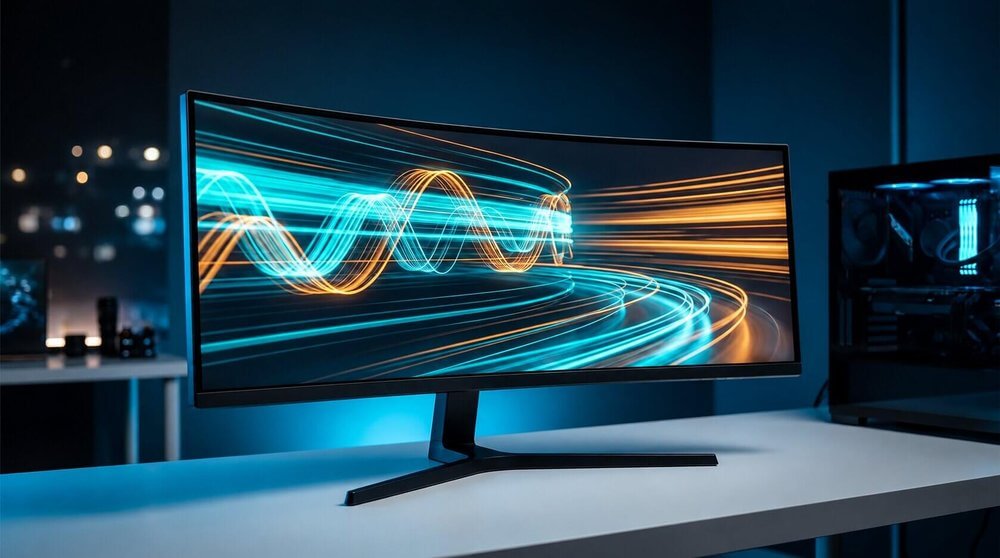
A monitor's refresh rate, measured in hertz (Hz), is how many times per second it redraws the image. A 60Hz monitor redraws 60 times a second; a 165Hz monitor redraws 165 times a second. A higher refresh rate shows more of the in-between motion your GPU is rendering, which is why fast panning and quick reactions look and feel smoother on a higher-refresh display.
The jump from 60Hz to 144Hz is the largest perceptible step
Most people notice a large difference moving from 60Hz to 144Hz. The difference between 144Hz and 240Hz is smaller and more dependent on the game, your reaction speed, and whether your GPU can actually sustain frame rates that high. Past 240Hz, the gains are mostly relevant to specific competitive titles played at very high frame rates.
Refresh rate needs a frame rate to match
A 165Hz monitor only shows 165 frames per second if your PC is producing that many. If a game runs at 90 frames per second, a 165Hz panel doesn't add motion that isn't there; it just means the display isn't the bottleneck. Pairing a high-refresh monitor with adaptive sync (VRR, G-Sync, or FreeSync) helps smooth out frame rates that vary below the panel's maximum.
Response time is a separate spec
Refresh rate and response time (how fast a pixel changes color, usually listed in milliseconds) are related but distinct. A high refresh rate with a slow response time can still show ghosting or trailing on fast motion. Panel type affects response time; TN and fast-IPS panels tend to have lower response times than VA panels, which is one reason VA panels are more common on larger, curved displays rather than the fastest competitive monitors.